
Context-Aware In-App Tooltips: Guiding Onboarding Paths
How SynapseFlowAI uses behavioral context to surface hyper-targeted, non-obtrusive in-app tooltips that help users complete key setup tasks.
The Pop-Up Problem in Product Tours
Every growth manager knows the temptation: you want your users to discover a powerful feature, so you configure an in-app pop-up modal to announce it.
But when you blast a user with generic, obstructive tooltips, you don't educate them—you annoy them. Studies show that over 70% of users skip linear product tours within the first three seconds.
Why? Because traditional tooltips are context-blind. They appear when the user is mid-action, trying to solve a different problem, or they explain features the user has already mastered. This creates cognitive load and contributes directly to Activation Debt.
The solution is not to eliminate guidance, but to make it context-aware.
What is Context-Aware Onboarding?
A Context-Aware Tooltip is a dynamic, non-obtrusive guide that surfaces only when a user's behavior indicates they need assistance, are stuck on a specific task, or have expressed clear intent to take a specific action.
In SynapseFlowAI, this is managed by our Real-Time Execution Engine and state tracking. Instead of hardcoding tooltips to fire when a page loads, we trigger them based on behavioral thresholds in the Behavioral State Graph:
- The Hover Signal: A user hovers over a configuration option like "RAG Knowledge Source" for more than 5 seconds but does not click. A subtle, floating tooltip appears next to the input: "Point this to your API docs URL to let the AI answer context-specific developer questions."
- The Abandonment Signal: A user starts editing an email node template, types three lines, and then remains inactive for 30 seconds. A tiny tooltip surfaces above the "Generate with AI" button: "Stuck on copy? Click here to let our AI co-pilot write a warm welcome email based on your PRD."
- The Error Path: A user enters a webhook URL that fails verification twice. Instead of a generic error string, a context-aware tooltip anchors to the input field, offering a specific tip: "This looks like a localhost URL. Make sure you use a tunnel tool like ngrok to expose your local port."
This shift from macro-onboarding (tours) to micro-guidance ensures that information is pulled by the user's needs, rather than pushed by the app's schedule.
Mapping Tooltips on the Infinite Canvas
On the Infinite Canvas, growth teams can orchestrate these tooltips using dynamic trigger nodes:
{
  "trigger": "behavioral:element_idle",
  "element_selector": "#rag-source-input",
  "idle_duration_ms": 5000,
  "action": "surface_tooltip",
  "tooltip_text": "Ground your AI nodes with company-specific documents here."
}
Because tooltips are node-based, you can test different guides, change copy, or adjust timing without writing front-end code or waiting for developers to ship UI updates.
Lowering Friction for Faster Conversions
When guidance is responsive and contextual, the onboarding path feels frictionless. It allows users to resolve setup hurdles in their first session, leading to a faster path to their Aha! Moment.
By respecting your user's focus and answering questions exactly when they arise, you turn onboarding from a chore into a seamless assistant layer that drives trial conversions.
Ready to boost your trial conversion?
Create your free account and be among the first to experience Synapse Flow AI.
Join our DiscordMore from the blog
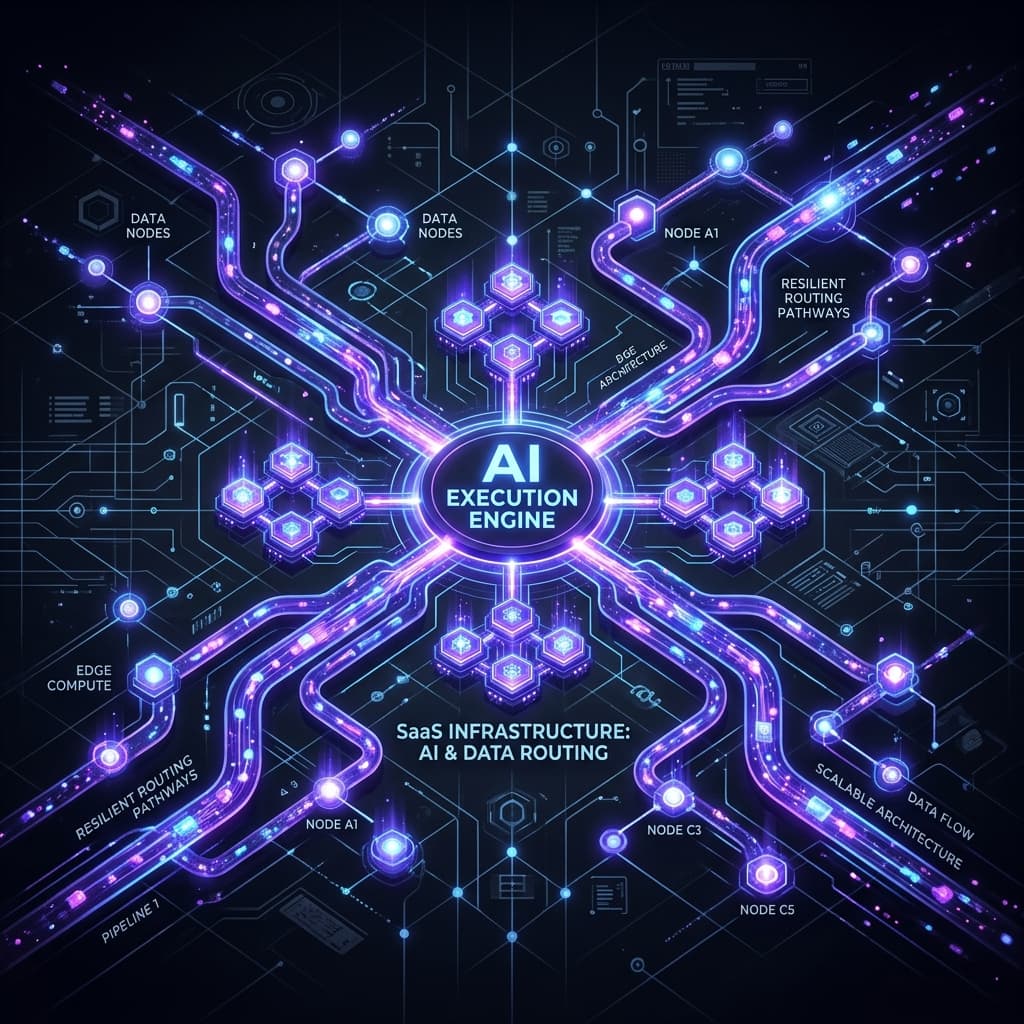
AI Execution Infrastructure: Building Resilient Marketing
Discover how an AI execution infrastructure builds resilient marketing systems that automatically adapt to schema drift and pipeline failures.

Behavior-Driven Automation: The End of Time-Based Drip
Time-based drip campaigns are obsolete. Learn why behavior-driven automation is the only way to maximize trial conversion in modern B2B SaaS.
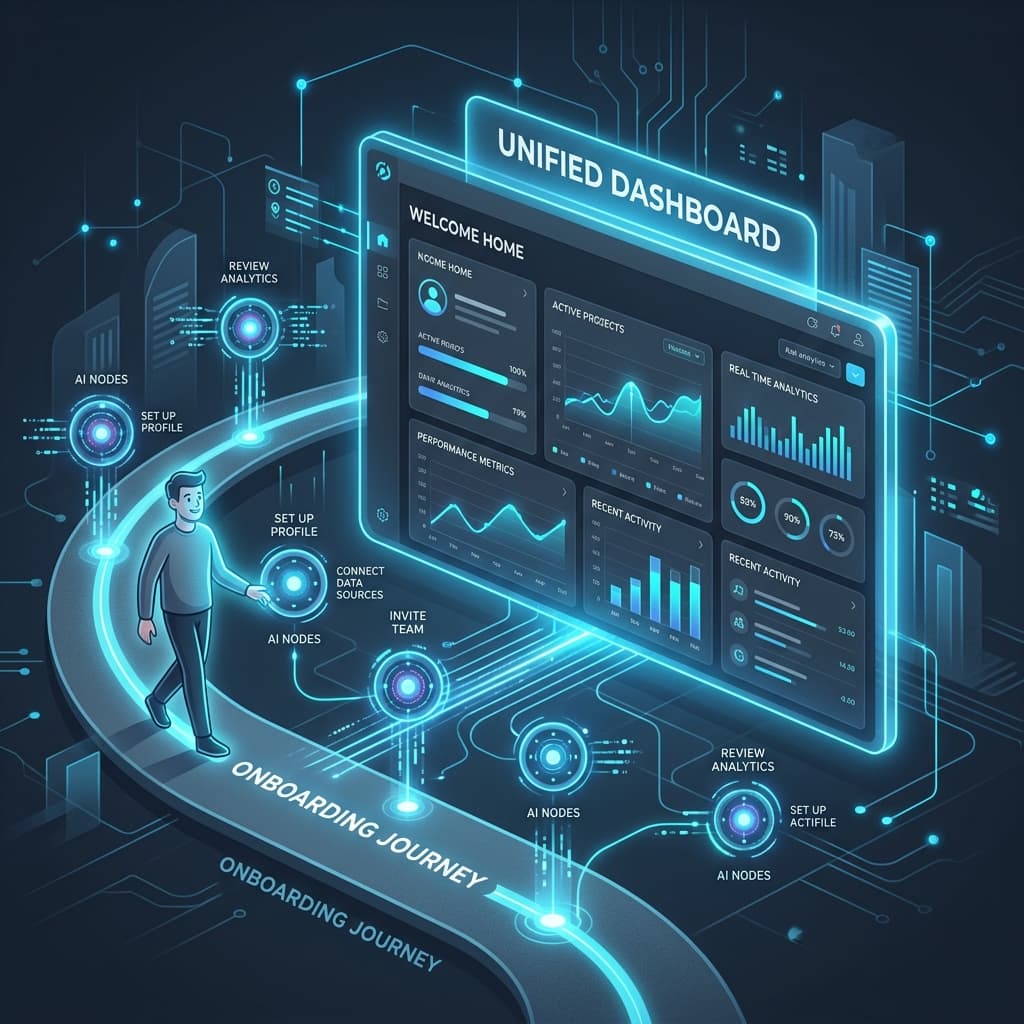
Orchestrating Onboarding: AI Unifies the User Experience
Explore how AI orchestrates personalized onboarding experiences that unify the first 24 hours of the user journey, accelerating time to value.